Introduction: Why Most Google Ads Fail for Beginners
Google Ads looks simple on the surface.
Create an account, add keywords, write ads, set a budget, and wait for leads.
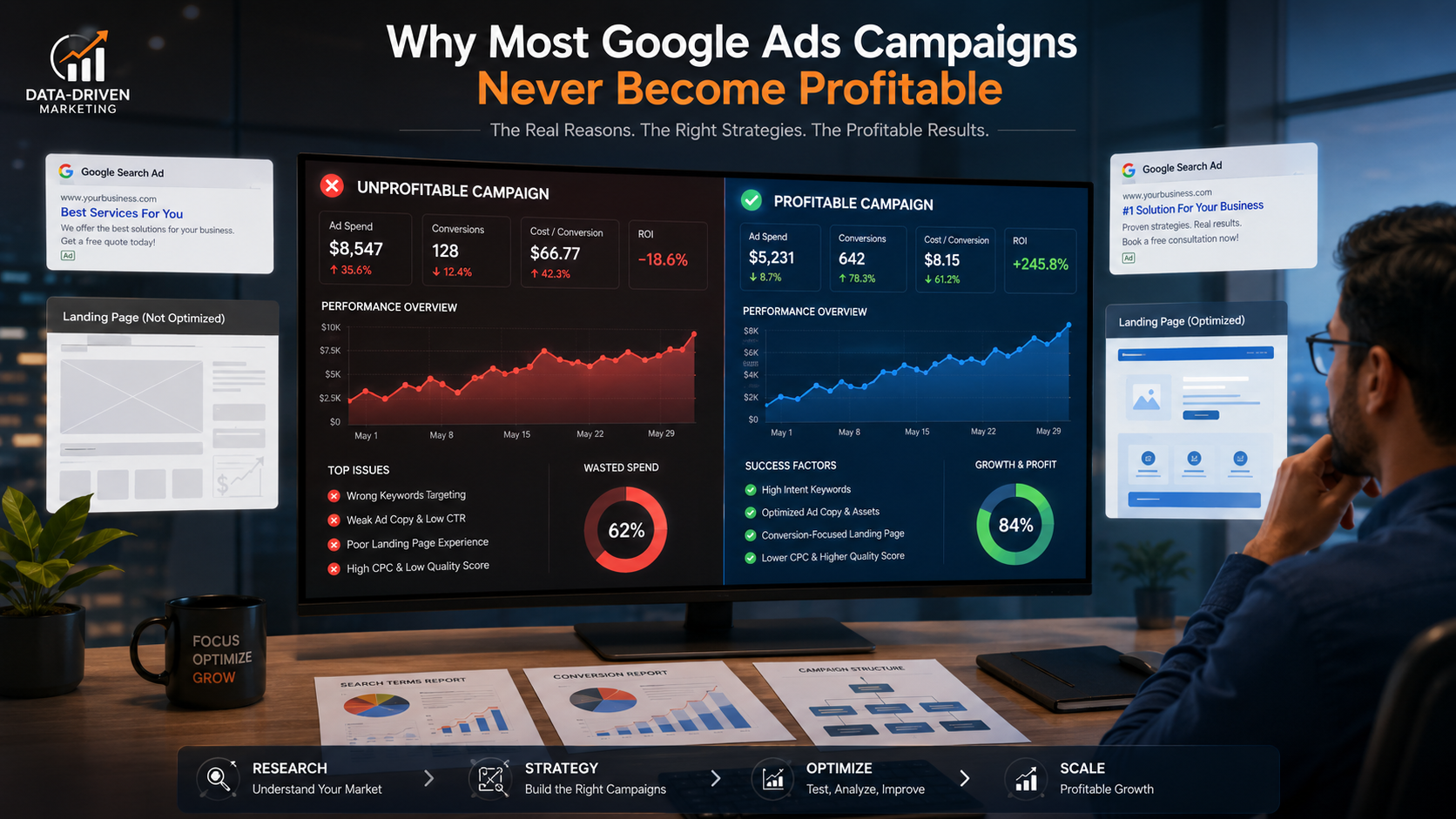
But in reality, Google Ads is one of the fastest ways to lose money if done wrong.
After managing hundreds of beginner and small-business accounts, one pattern is clear:
- Most beginners don’t fail because Google Ads doesn’t work.
- They fail because of avoidable setup and strategy mistakes.
This guide breaks down the most common Google Ads mistakes beginners make, explains why they hurt performance, and shows how to fix them using practical, experience-based advice.
Whether you’re:
-
A business owner running ads yourself
-
A student learning Google Ads
-
A freelancer managing first client accounts
This article will save you time, budget, and frustration.
Why Beginners Struggle With Google Ads
Before jumping into mistakes, let’s understand the core issue.
Google Ads is:
-
Auction-based
-
Intent-driven
-
Data-sensitive
Beginners often treat it like social media ads or boost posts — which leads to poor results.
1. Choosing the Wrong Campaign Objective
The Mistake
Many beginners select:
-
“Website Traffic”
-
“Brand Awareness”
-
Or random default options
…even when they want leads or sales.
Why This Is Dangerous
Google optimizes campaigns based on the goal you choose.
If your goal is traffic:
-
Google sends clicks, not buyers
-
You’ll get visits with no enquiries
The Right Approach
Choose objectives based on business outcomes:
| Business Goal | Correct Objective |
|---|---|
| Lead generation | Leads / Conversions |
| Product sales | Sales |
| App installs | App promotion |
| Calls | Leads (Call-focused setup) |
Pro tip:
Always configure conversion tracking before launching ads.
2. Not Setting Up Conversion Tracking Properly
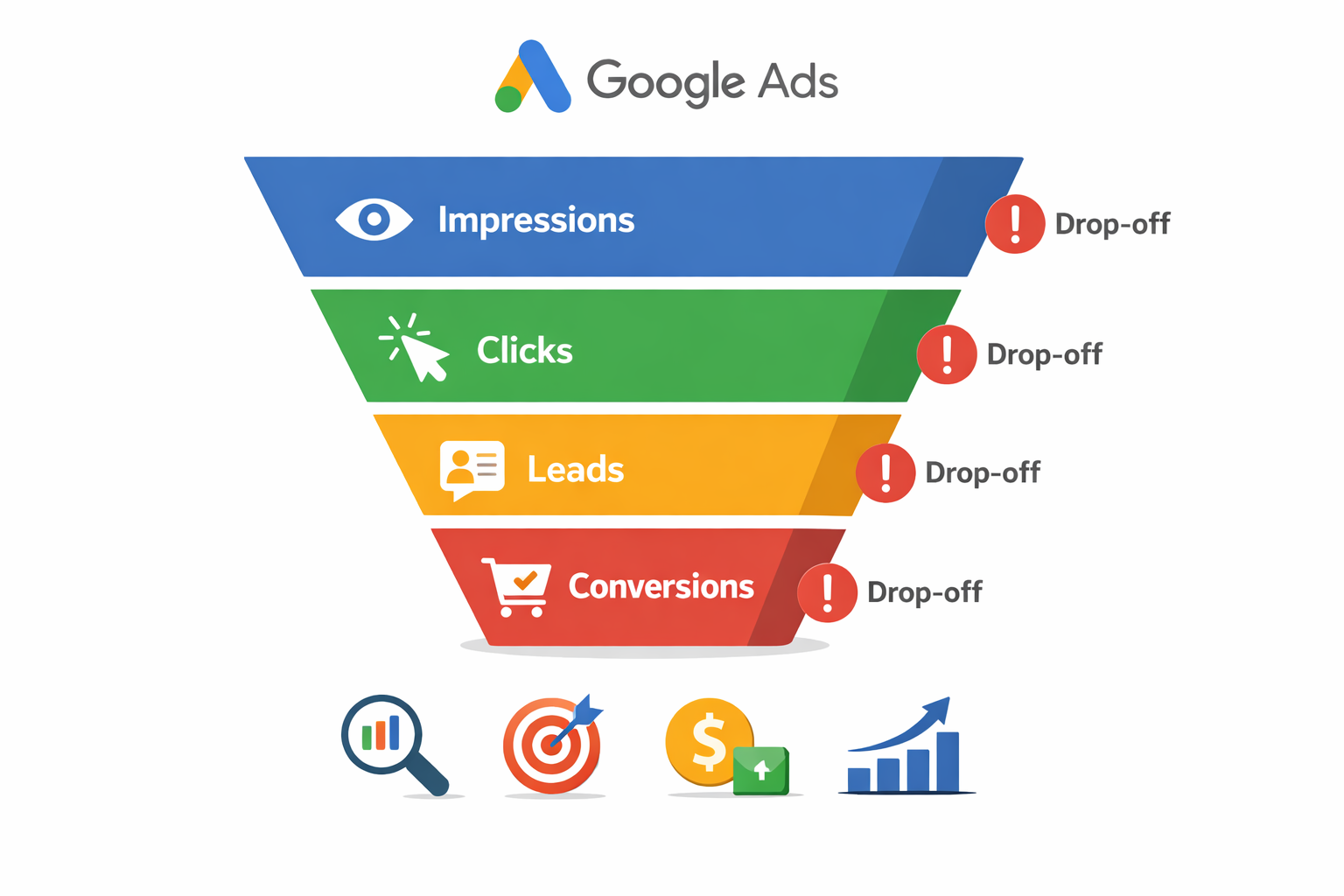
The Mistake
Beginners often:
-
Skip conversion tracking
-
Track page views instead of real actions
-
Don’t verify if conversions are firing
Why This Kills Performance
Without accurate conversions:
-
Google can’t optimize
-
Smart bidding fails
-
You don’t know what’s working
You end up guessing instead of scaling.
What You Should Track
Track business actions, not vanity metrics:
-
Form submissions
-
Phone calls
-
WhatsApp clicks
-
Purchases
-
Booked appointments
Fix Checklist
-
Use Google Tag Manager
-
Test conversions using preview mode
-
Track only meaningful actions
3. Using Broad Keywords Without Control
The Mistake
Beginners often use:
-
Broad match keywords only
-
Short, generic keywords
-
No negative keywords
Example:
digital marketing
google ads
training course
What Happens
Your ads show for:
-
Job seekers
-
Free course searches
-
Irrelevant queries
Budget burns fast, leads stay zero.
Smarter Keyword Strategy
Use search intent-based keywords:
| Keyword Type | Example |
|---|---|
| Commercial | google ads course fees |
| Transactional | hire google ads expert |
| Local intent | google ads agency in thane |
Match Type Strategy
-
Start with Phrase Match
-
Add Exact Match for high-intent terms
-
Use Negative Keywords from Day 1
4. Sending Traffic to the Homepage
The Mistake
Running ads that send users to:
-
Homepage
-
Generic service pages
-
Slow, cluttered pages
Why This Fails
Users click ads with specific intent.
Generic pages confuse them.
Confusion = no conversion.
Better Landing Page Practice
Each campaign should have:
-
One goal
-
One offer
-
One CTA
Example flow:
Google Ads keyword → Dedicated landing page → Single action
Landing Page Must Include
-
Clear headline
-
Strong offer
-
Social proof
-
Simple form
-
Fast loading speed
5. Writing Ads That Sound Like Everyone Else
The Mistake
Beginners copy:
-
Generic ad templates
-
Feature-heavy headlines
-
No differentiation
Example:
- Best Google Ads Services
- Affordable Pricing
- Contact Us Now
Why This Doesn’t Work
Users scan ads fast.
If your ad looks like others, they ignore it.
How to Write Better Ads
Focus on outcomes, not features.
Bad:
Professional Google Ads Management
Better:
Get Qualified Leads from Google Ads in 14 Days
High-Performing Ad Copy Formula
-
Pain point
-
Specific benefit
-
Trust signal
-
Clear CTA
6. Ignoring Search Terms Report
The Mistake
Beginners never check:
-
Search terms report
-
Actual queries triggering ads
What Goes Wrong
Ads show for:
-
Free searches
-
Wrong services
-
Competitor names (unintentionally)
Fix
Check search terms every 3–5 days:
-
Add irrelevant terms as negatives
-
Identify new converting keywords
This single habit can improve ROI dramatically.
7. Using Smart Bidding Too Early
The Mistake
Beginners start with:
-
Maximize Conversions
-
Target CPA
-
Target ROAS
…without enough data.
Why This Hurts
Smart bidding needs:
-
At least 20–30 conversions
-
Clean tracking data
Without that, Google guesses.
Better Beginner Bidding Strategy
-
Start with Manual CPC or Maximize Clicks (with cap)
-
Switch to smart bidding after data stabilizes
8. Not Segmenting Campaigns Properly
The Mistake
One campaign for:
-
Multiple services
-
Multiple locations
-
Multiple audiences
Result
-
Poor relevance
-
Low Quality Score
-
Higher CPC
Correct Structure
Separate campaigns by:
-
Service
-
Location
-
Intent level
This improves:
-
Ad relevance
-
Landing page match
-
Cost efficiency
9. Ignoring Quality Score
The Mistake
Beginners focus only on:
-
CPC
-
Budget
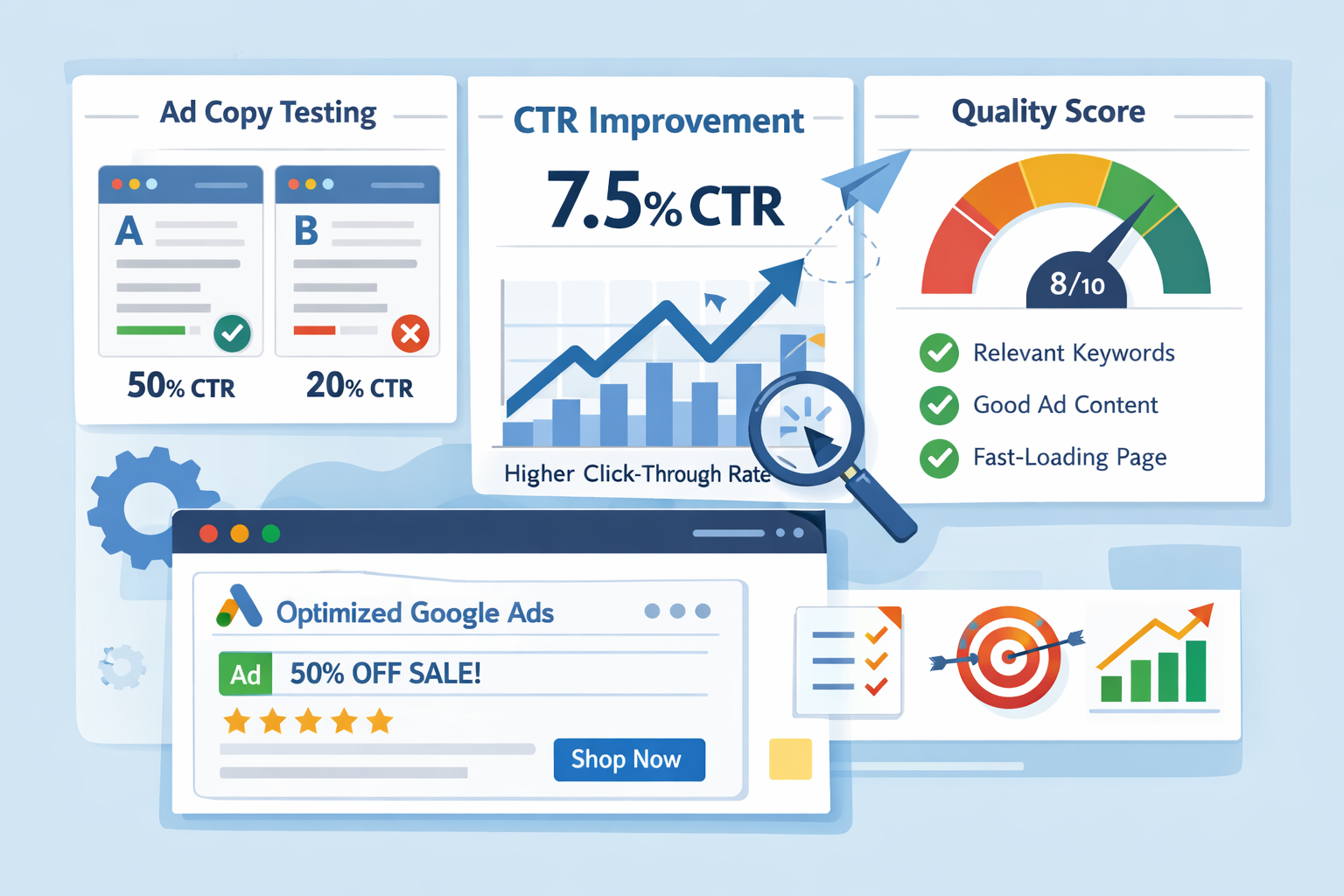
Why Quality Score Matters
Quality Score affects:
-
Ad rank
-
Cost per click
-
Impression share
Low Quality Score = higher costs.
Improve Quality Score By:
-
Matching keywords with ad copy
-
Using relevant landing pages
-
Improving CTR
10. Expecting Instant Profits
The Mistake
Beginners expect:
-
Day 1 sales
-
Immediate ROI
-
Zero learning phase
Reality Check
Google Ads has:
-
Learning period
-
Optimization cycles
-
Data-driven improvement
Smart Expectation Timeline
| Phase | Duration |
|---|---|
| Learning | 1–2 weeks |
| Optimization | 2–4 weeks |
| Scaling | After stable data |
Patience + optimization = profit.
Common Google Ads Mistakes Summary Table
| Mistake | Impact |
|---|---|
| Wrong objective | Low-quality traffic |
| No conversion tracking | No optimization |
| Broad keywords | Budget waste |
| Homepage traffic | Low conversions |
| Generic ads | Low CTR |
| No negatives | Irrelevant clicks |
| Early smart bidding | Unstable results |
FAQs – Common Google Ads Mistakes
Yes, if campaigns are structured properly and tracking is set correctly.
A minimum of 10–15 days of consistent budget is recommended for learning.
Google Ads captures intent; social media creates demand. Both work differently.
Leads may start early, but stable performance takes 3–4 weeks
Conclusion: Fix the Basics Before Scaling Google Ads
Most beginners don’t lose money on Google Ads because the platform is flawed.
They lose money because small setup and strategy mistakes compound quickly.
Wrong objectives, poor keyword choices, weak landing pages, missing conversion tracking — each of these alone can hurt results. Combined, they almost guarantee failure.
The good news?
Every mistake covered in this guide is fixable.
Google Ads rewards:
-
Clear intent
-
Clean structure
-
Proper tracking
-
Consistent optimisation
When you focus on fundamentals first and scale only after data becomes stable, Google Ads turns from a cost centre into a predictable lead and sales channel.
If you’re a beginner, don’t rush to advanced tricks.
Get the basics right, read the data, and improve step by step.
That’s how profitable Google Ads accounts are built — in real businesses, not tutorials.